

Most small businesses assume they are too insignificant to worry about backups, and many believe that the platforms they use automatically protect their data forever. This illusion lasts until the day something goes wrong. That is when companies suddenly realize how dependent they are on digital assets – and how expensive it can be to lose them. A small medical clinic learned this lesson the hard way, and its story illustrates why backups are not optional for any business, regardless of size.
A Simple Website. A Simple Mistake. A Very Expensive Day.
The clinic operated a basic Wix landing page containing only the essentials: contact information, an appointment form, and directions. Nothing complex, nothing unusual. For years the website worked as expected, and no one at the clinic ever thought about maintaining access, managing subscriptions, or creating copies of the site.
One day, the subscription linked to the site expired. The developer who had originally set it up has not been working for the company for a long time and it is impossible to contact him. The payment card on file was no longer valid. None of the current team members had login credentials.
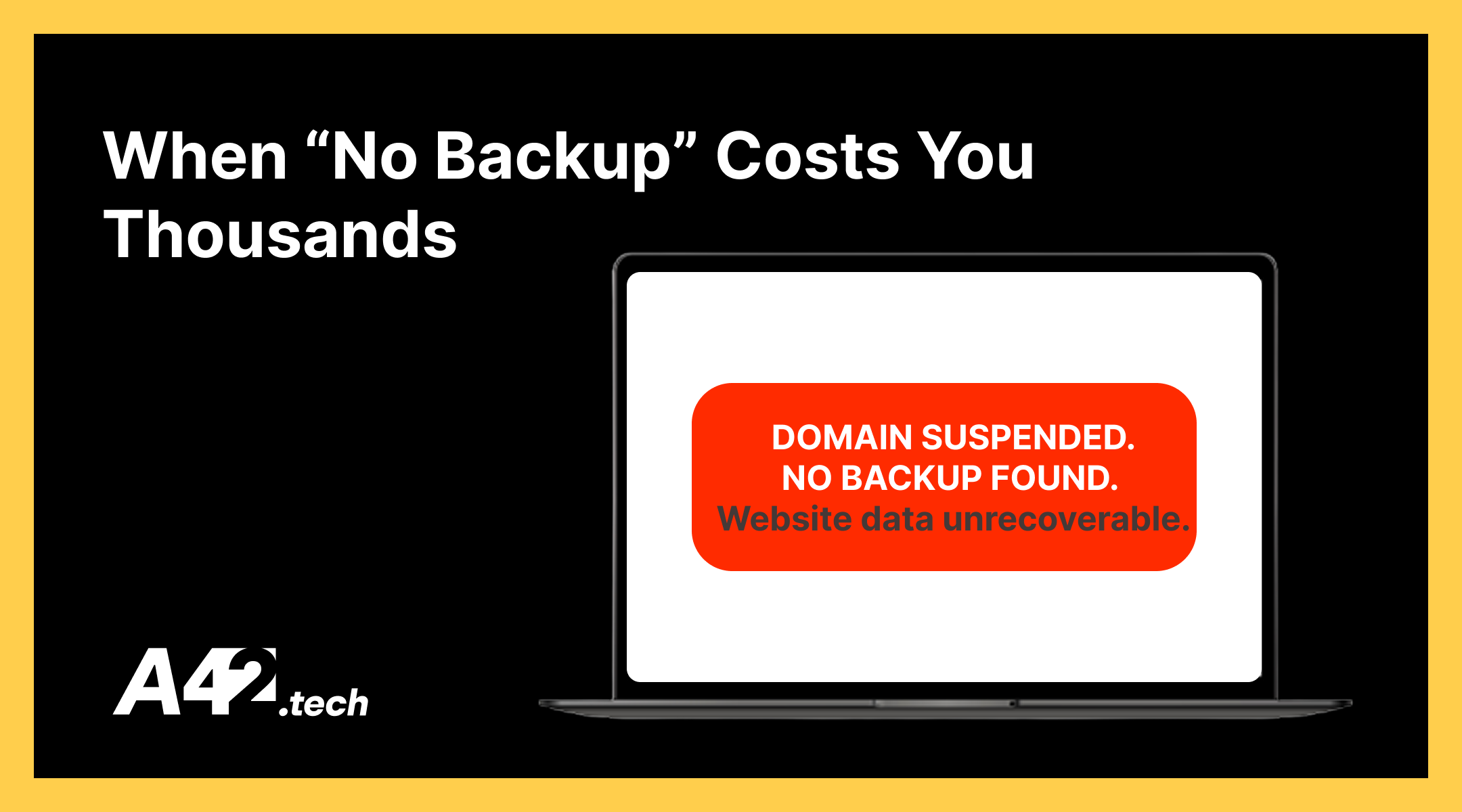
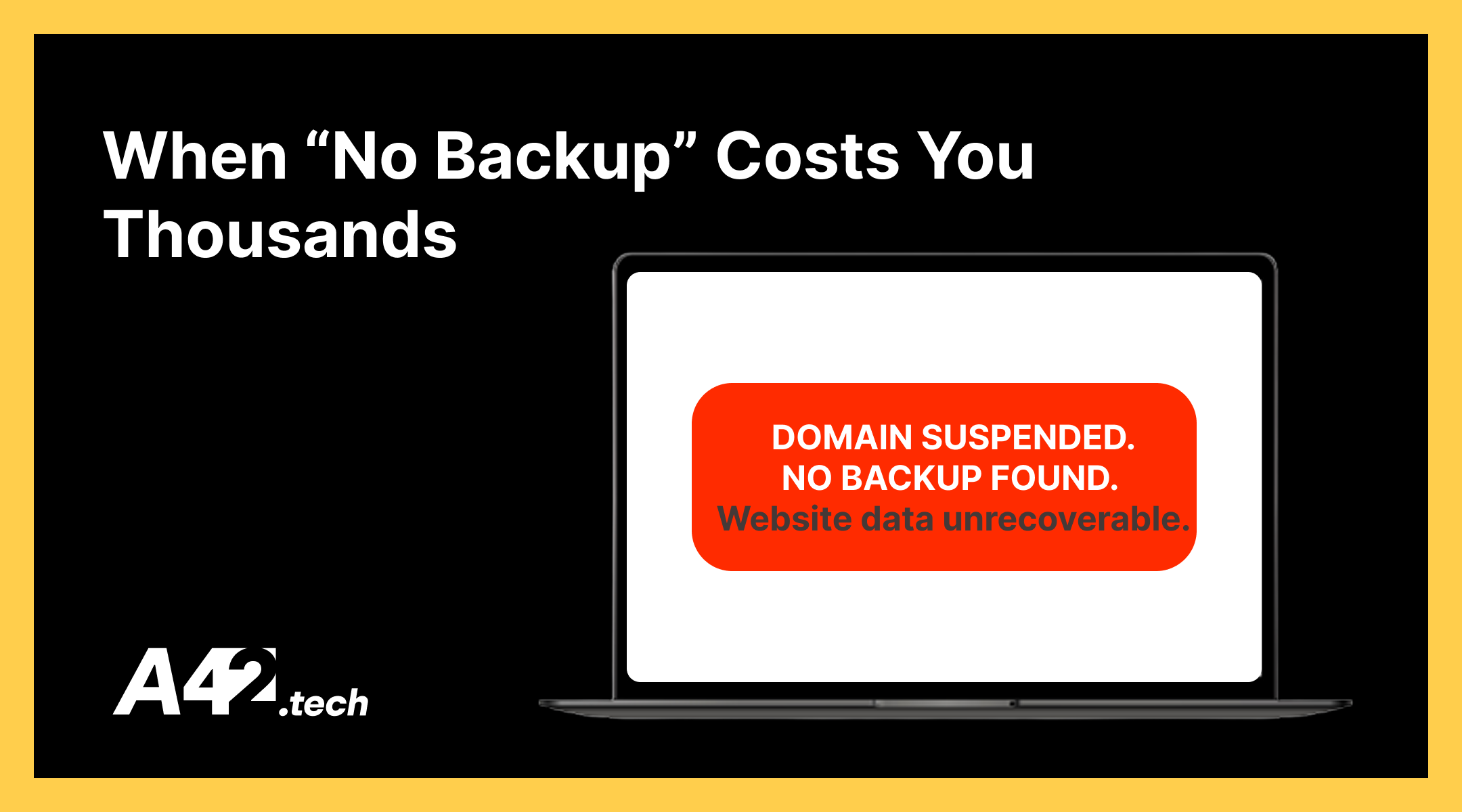
The consequences were immediate. The hosting was suspended, the domain became unreachable, and the clinic had no access to any of the original files. They had no snapshot of the website, no export, no version saved anywhere, and no way to restore what had been lost.
Within that single day, approximately thirty to forty potential patients tried to find the clinic online and failed. For a medical business, this represented tens of thousands of euros in missed appointments and lost trust. In the end, the entire website had to be rebuilt from zero – an unnecessary cost created solely by the absence of a backup.
Why Small Businesses Frequently Get Caught Unprepared
Many smaller organizations believe that the tools they use: Wix, WordPress, Shopify, or other platforms – automatically handle all aspects of data protection. Others assume that their developer will take responsibility for maintaining copies indefinitely. Some simply think that because they are “too small,” nothing serious can happen to them.
This mindset is dangerous. A business is only as resilient as the most recent functioning backup of its critical data. Without that, even a straightforward technical event such as an expired subscription or a suspended hosting provider can escalate into a business continuity failure.
A Beginner’s Guide to Backups for Business Owners
Backups are not a technical luxury; they are a fundamental risk-management tool. The simplest way to think about a backup is to compare it to a spare key: you may never need it, but when the moment comes, having it is the only thing that prevents a full lockout.
What Exactly Is a Backup?
A backup is a separate, independent copy of data that is essential for the business to operate. This can include:
- website files
- customer databases
- documents and contracts
- email inboxes
- invoices and payment records
- CRM / ERP data
- cloud drive files
- configuration files
If losing a specific set of data would disrupt your business, then that data must be backed up.
The Main Types of Backups
Below are common backup types explained in a straightforward manner.
Full Backup
A full backup contains a complete copy of all selected data. It is useful for monthly archives or major changes. Although full backups are the easiest to restore from, they take the longest to create and require the most storage.
Incremental Backup
An incremental backup copies only the data that has changed since the previous backup of any type. This method saves time and storage, but restoring requires multiple incremental pieces in sequence.
Think of it as:
Day 1: full backup
Day 2: only changes
Day 3: only changes
Day 4: only changes
Differential Backup
A differential backup contains all changes made since the last full backup, making it faster to restore than incremental backups. However, the size of these backups increases over time as changes accumulate.
Example:
Day 1: full
Day 2: changes since Day 1
Day 3: changes since Day 1
Day 4: changes since Day 1
Versioned Backup
A versioned backup stores multiple historical states of data. This approach is extremely valuable when a file becomes corrupted, mistakenly deleted, or encrypted by ransomware, because it allows restoration to a prior version such as “last week” or “last month.”
Offsite or Cloud Backup
An offsite backup ensures that a copy of your data exists outside your main environment. This protects the business if a laptop fails, an office experiences physical damage, or a hosting provider suspends an account.
Most Common Backup Mistakes
- Relying only on hosting provider backups
- Storing backups on the same server as the website
- Never testing restoration procedures
- Assuming the developer will keep copies forever
- Thinking “small businesses don’t need backups”
- Not backing up DNS settings
- Keeping one single copy instead of three
A simple rule applies: if you have not confirmed that your backup can be restored, then you do not truly have a backup.
The 1-Hour Website Recovery Checklist
To recover from most website-related failures, a business needs a minimal set of components ready in advance:
- Domain access
- Registrar login credentials and domain management information.
- Hosting access
- Control panel logins such as cPanel, SFTP/SSH credentials, or server-level access.
- A full backup
- Files, databases, media assets, and any additional required components.
- Documented instructions
- Clear steps that describe how to deploy or restore the site.
- A fallback static page
- A temporary “We’ll be right back” page that can be published instantly to maintain communication with customers.
Final Takeaway: Backups Are Business Assets, Not Tech Tasks
The medical clinic did not experience a technical failure; they experienced a failure of planning and continuity. Backups are not the responsibility of a single developer. They are a strategic requirement for business owners, managers, and operational teams who rely on digital systems to generate revenue. No matter the industry or the size of the company, one universal principle applies: the only thing worse than system failure is discovering that the backup you were relying on never existed in the first place.